I’ve been tutoring with ThinkSpace Education for the past few bootcamps now and one of the BIGGEST problems I see in students' music is a missed opportunity!
They aren't fully using their MIDI controls!
This often leaves the music feeling static and a bit robotic. Even with the most advanced sample libraries, those simple tools are what make the performance come to life!
When we’re working with MIDI mockups, we're essentially trying to create a life-like performance out of recorded samples. Live musicians don't just follow the notes on the page – they instinctively shape each sound with subtle changes in intensity, attack, and expressiveness.
Sample libraries, even the most advanced ones, can't always account for every possible nuance.
Our job is to bridge that gap using MIDI controls! Dynamics, expression, velocity, and others are our tools to make those samples feel less like recordings and more like a performance.
Understanding how these controls mimic what real players do is crucial to getting a convincing result!
Now, it's important to note that different sample libraries treat dynamics in unique ways.
Dynamics:
Generally, within a MIDI range of 0-127, dynamics control the timbre or intensity of a performance. Think of them as matching the markings on a traditional score: soft, loud, and everything in between.
Expression:
Expression is like a specialized volume control for the instrument itself, adjusting its expressive character.
Velocity:
Velocity dictates how hard you strike the key, primarily impacting the attack of shorter notes.
The key to a realistic performance is finding the right blend of dynamics, expression, and/or velocity for each instrument!
😬 My Own Mistake!
One of the biggest pitfalls I see in student submissions is a reluctance to fully use those MIDI faders! But we have to remember, dynamic range is what gives music its emotional impact.
When I first started trying to come up with mockups, I thought expression was just another kind of volume.
So, I'd leave it at 127 and rely purely on dynamics for softer passages. But this made everything feel forced, especially entrances... it lacked that natural feel of music swelling or fading.
The realization that expression is also about the character of the sound, and how it works together with dynamics, was game-changing!
🫵 Here's What You Can Do:
🧐 Analyze: Listen to a reference track – a live performance of a similar style of music. Notice how it isn't constantly loud or constantly soft – the instruments rise and fall within phrases.
🧪 Experiment: Play a simple passage from your own piece of music. Try slowly fading the expression down, then back up. Adjust the dynamics along with it. Notice how even this simple change alters the feel!
🥁 Details Matter: Short notes often benefit from velocity-based adjustments. A light touch for a plucked string, a forceful strike for a drum hit – this gives your music articulation.
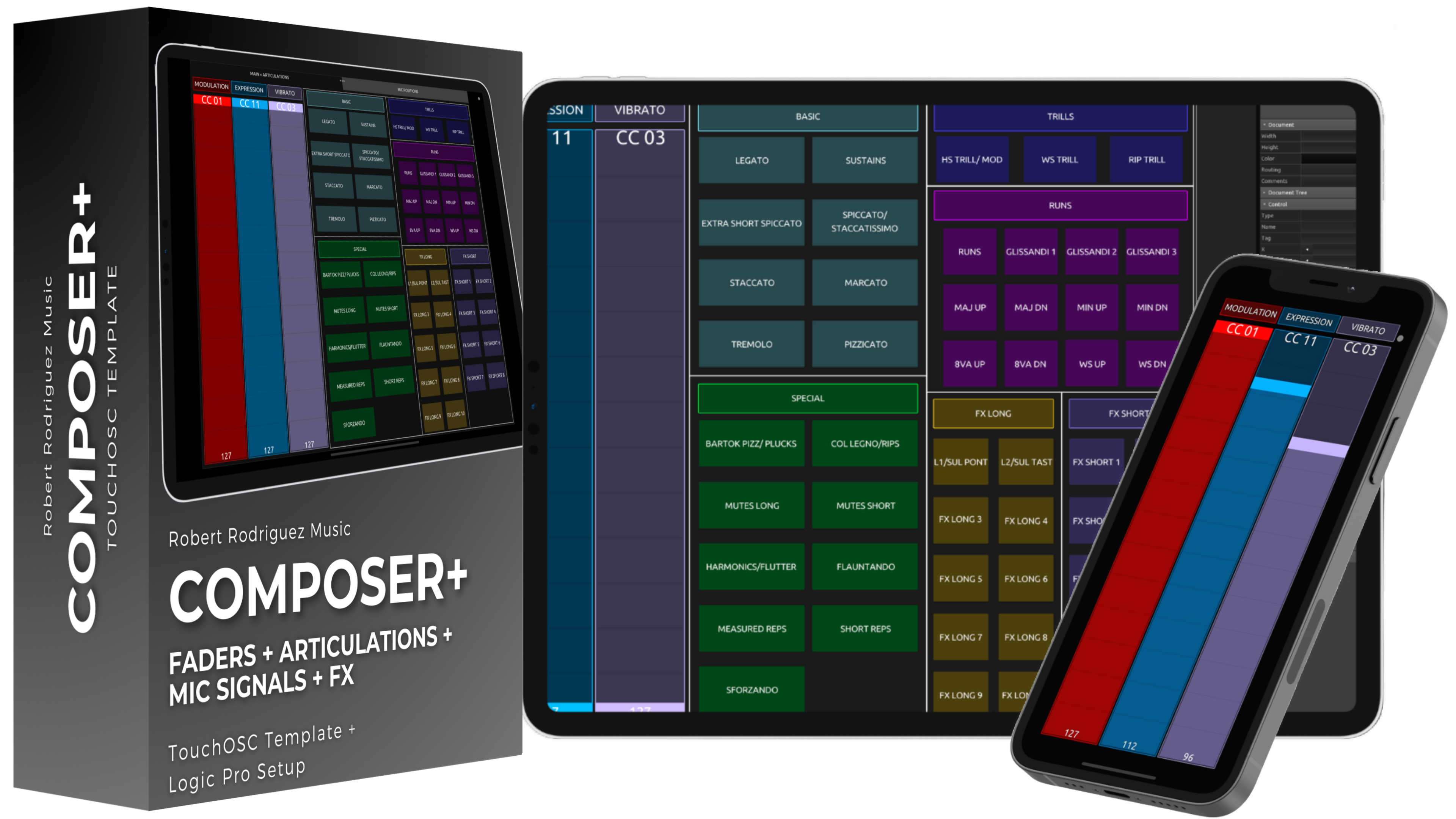
If you want hands-on control over your MIDI data, consider my Composer+ template for the TouchOSC app!
It brings dedicated faders and articulation buttons right to your tablet and is exactly what I use in my own setup! 😄